
AutoCAD LT 2014 is a legacy Autodesk release for precise 2D drafting and documentation. This guide explains its original features and system requirements, its limitations on modern computers, and the legitimate options for licensed users who need an older version.
- Primary use: 2D drawing, annotation, detailing, and documentation.
- Original supported systems: selected editions of Windows XP, Windows 7, Windows 8, and Windows 8.1.
- Current status: this 2014 release is well outside Autodesk’s current standard support window.
- Legitimate access: availability depends on your Autodesk Account, eligible subscription or license rights, and Autodesk Support.
Important: Softwares Academy does not host AutoCAD installers, serial numbers, activation keys, cracks, or password-protected archives. Do not disable antivirus protection to install software from an unverified source.
Autodesk AutoCAD LT 2014 overview
Autocad LT 2014 is a lightweight version of the renowned Autocad software, specifically designed for 2D drafting and documentation.
It provides a user-friendly interface that enables you to create precise and accurate designs effortlessly, with Autocad LT 2014, you can explore a world of possibilities and unlock your full design potential.
Autodesk AutoCAD LT 2014 is a powerful computer-aided design (CAD) software designed for creating and editing detailed drawings.
While the program excels in handling complex 2D projects, it does not support 3D object manipulation.
Nevertheless, AutoCAD LT 2014 offers an extensive array of commands specifically tailored for 2D drawing tasks, enabling users to create, modify, and generate precise working documentation for their projects.
The software’s robust functionality in the realm of drawing and detailing empowers engineers to effectively bring their project ideas to life, optimize their workflow, and enhance collaboration among team members.
Related guide: autocad lt 2012 download
Key features in AutoCAD LT 2014
AutoCAD LT 2014 provides a comprehensive set of tools for creating precise and editable 2D drawings, serving as a foundation for new projects and facilitating seamless collaboration with colleagues.
This CAD software, developed by Autodesk, now offers support for Windows 8, ensuring compatibility with the latest operating systems.
With the inclusion of dynamic maps and geolocation tools, AutoCAD LT 2014 allows you to connect your designs with the real world, enhancing the accuracy and context of your projects.
Furthermore, this version introduces numerous time-saving enhancements, expediting design processes and boosting overall productivity.
Autocad LT 2014 comes packed with a plethora of features that cater to the needs of designers across various industries.
Let’s delve into some of the key features that make Autocad LT 2014 a must-have design tool:
- Intuitive Interface: The user-friendly interface of Autocad LT 2014 ensures that you can navigate through the software with ease, allowing you to focus on your designs without any distractions.
- Enhanced Drafting Tools: With a comprehensive set of drafting tools, Autocad LT 2014 enables you to create precise and detailed drawings effortlessly, from lines and arcs to dimensions and annotations, the software offers a wide range of tools to streamline your drafting process.
- Improved Productivity: Autocad LT 2014 includes time-saving features such as dynamic blocks, which allow you to create reusable design elements, and smart dimensioning, which automatically suggests appropriate dimensions, saving you valuable time and effort.
- Seamless Collaboration: Collaboration is made easy with Autocad LT 2014, you can easily share your designs with colleagues and clients, regardless of the software they are using, thanks to the software’s compatibility with various file formats.
Related guide: Autodesk autocad lt 2015 download
Working with 2D drawings in AutoCAD LT 2014
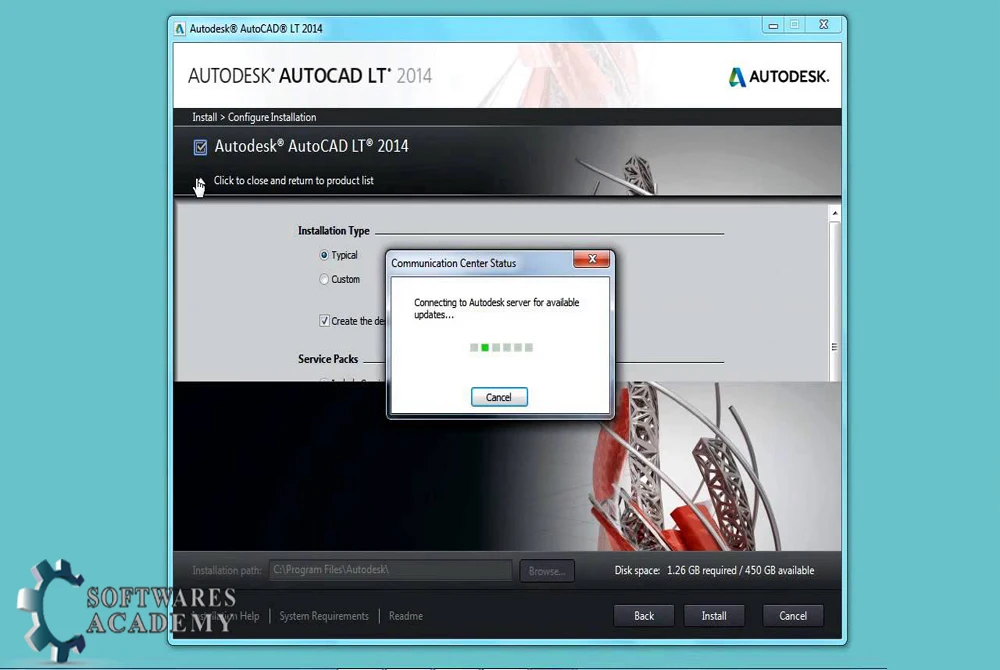
Autocad LT 2014 simplifies the design process by providing a comprehensive set of tools and functionalities.
Whether you’re working on architectural plans, mechanical drawings, or electrical schematics.
Autocad LT 2014 offers the necessary features to ensure precision and accuracy in your designs.
By utilizing Autocad LT 2014’s intuitive commands and shortcuts, you can create complex designs efficiently.
The software’s snap and alignment tools allow you to easily align and position elements, making the design process faster and more precise.
AutoCAD LT 2014 system requirements
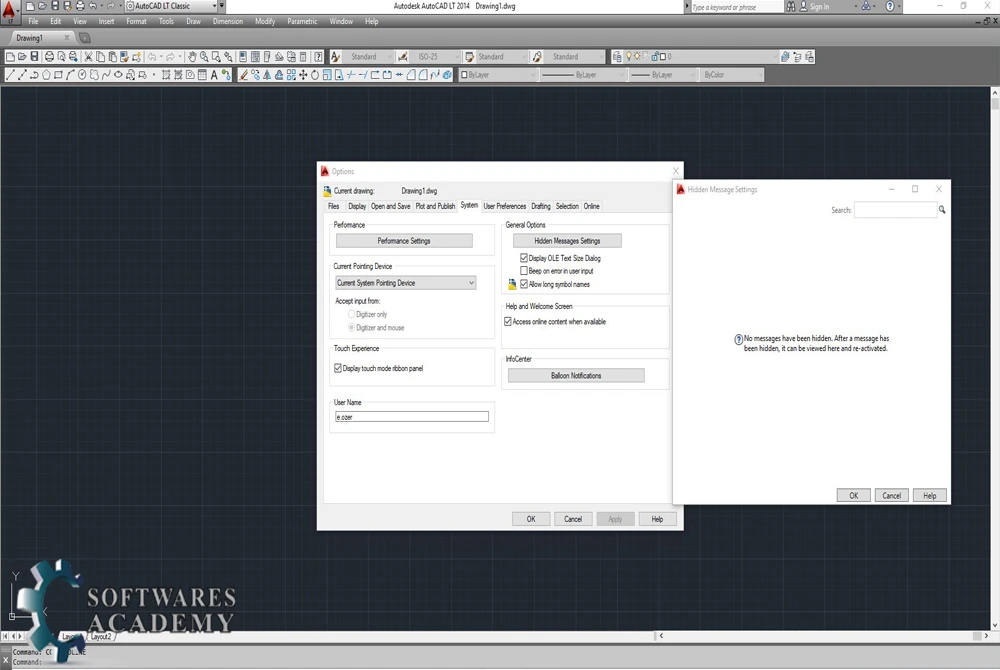
Before using this legacy release, check the original requirements and remember that they do not establish compatibility with modern versions of Windows.
The minimum system requirements for Autocad LT 2014 are as follows:
System requirements for 32-bit AutoCAD LT 2014
- Windows® 8 and Windows® 8.1 Standard, Enterprise, or Professional edition, Windows® 7 Enterprise, Ultimate, Professional, or Home Premium edition, or Windows XP® Professional or Home edition (SP3 or later) operating system
- For Windows® 8, and Windows® 8.1, and Windows 7: Intel® Pentium® 4 or AMD Athlon™ dual-core processor, 3.0 GHz or higher with SSE2 technology
- For Windows XP: Pentium 4 or Athlon dual-core processor, 1.6 GHz or higher with SSE2 technology
- 2 GB RAM
- 4 GB free disk space for installation
- 1,024 x 768 VGA display with true color
- Microsoft® Internet Explorer® 7 or later web browser
- Install from download or DVD
System requirements for 64-bit AutoCAD LT 2014
- Windows® 8 and Windows® 8.1 Standard, Enterprise, or Professional edition, Windows 7 Enterprise, Ultimate, Professional, or Windows XP Professional (SP2 or later)
- AMD Athlon™ 64 with SSE2 technology, AMD Opteron™ processor with SSE2 technology, Intel® Xeon® processor with Intel EM64T support with SSE2 technology, or Pentium 4 with Intel EM64T support with SSE2 technology
- 2 GB RAM
- 4 GB free disk space for installation
- 1,024 x 768 VGA display with true color
- Internet Explorer 7.0 or later
- Install from download or DVD
Related guide: autocad lt 2019 download
Official download and licensing options
Autodesk says eligible previous versions are accessed through Autodesk Account or requested through Autodesk Assistant and Support. The versions available depend on the current product release and the license or subscription attached to the account. AutoCAD LT 2014 is much older than the standard previous-version window, so access is not guaranteed even if you have a current subscription.
- Check Autodesk’s official previous-version guidance.
- Verify the official AutoCAD LT 2014 system requirements.
- For a supported release, use the current AutoCAD LT product page.
AutoCAD LT 2014 questions
Is AutoCAD LT 2014 still supported?
It is a legacy release and is outside Autodesk’s current standard support window. Autodesk still publishes its original requirements, but that does not mean the product receives current fixes, security updates, or compatibility testing.
Will AutoCAD LT 2014 run on Windows 10 or Windows 11?
Windows 10 and Windows 11 are not included in Autodesk’s original supported-operating-system list for this release. Installation may fail or behave unpredictably, so use a supported Autodesk version or a properly licensed compatible environment.
Where can a licensed user download an older AutoCAD version?
Start with Autodesk Account and Autodesk Support. Older releases may be available only when the account has eligible license or subscription rights. Softwares Academy does not supply installers or activation credentials.
What is the main difference between AutoCAD LT and full AutoCAD?
AutoCAD LT focuses on 2D drafting and documentation. Full AutoCAD adds broader 3D modelling and specialised toolsets. Feature details differ by release, so compare the edition that matches your workflow before purchasing.
Related guide: Autodesk AutoCAD LT 2023 download
